If your social media feed is full of “New Year, New You” posts right now and you’re feeling the pressure to set big goals and ambitious resolutions. But something about it just doesn’t feel right or you don’t feel ready – I get it. I always take a step back from social media this time of year because I find it really overwhelming. What if I told you there’s a method that helped me achieve more in 12 weeks than most people do in an entire year? If you’re craving a more intuitive, sustainable way to achieve your dreams this year, this article is for you.
Forget New Year’s Resolutions, try this 12 Week method instead! I discovered a game-changing approach that transformed not just my goal-setting practice, but my entire relationship with achievement in both my personal life and business. Enter The 12 Week Year – a book that revolutionised my business, supercharged my productivity and taught me how to turn my intentions into reality. Without getting overwhelmed, burning out, losing motivation and giving up. The best part? It works with the natural seasons and cycles of nature, allowing for both meaningful progress and mindful restoration. No pressure, no overwhelm – just aligned action that feels good. Because you’re going with the natural rhythm and flow of nature. By making a simple shift in how you approach your goals that could transform your entire year. Here’s how…
Forget New Year’s Resolutions, try this 12 week method instead!
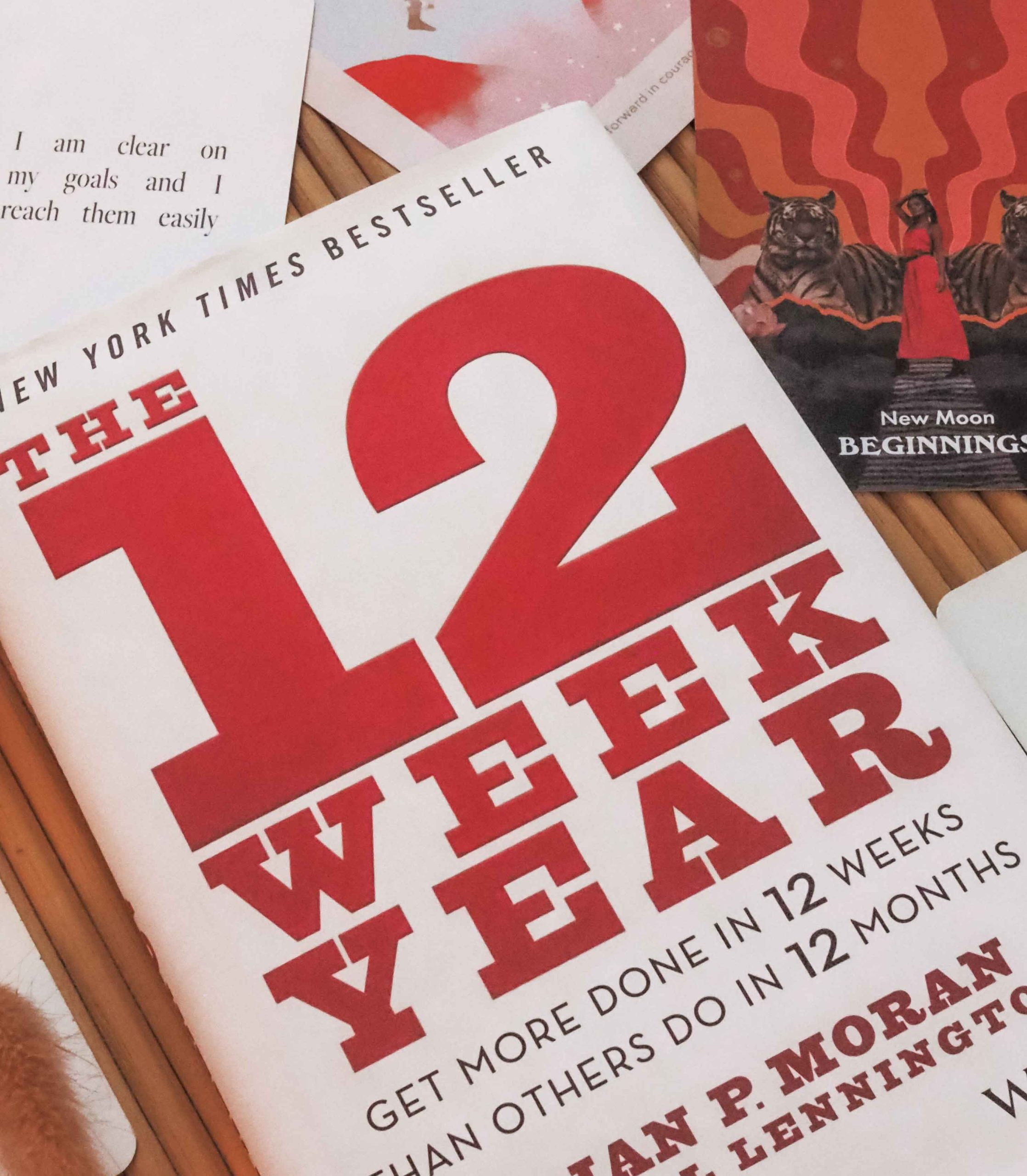
I first heard of a book called The 12 Week Year from astrologer, Chani Nicholas on one of her podcasts. The New York Times bestselling book by Brian P. Moran and Michael Lennington claims you can get more done in 12 weeks than others do in 12 months by following their method. It changed my life so much, I thought I’d show you exactly how I use the principals in the book to set intentions and achieve goals. Now is the best time to pick it up, as it’s currently 33% off on Amazon USA and 85% off on Amazon UK – just £2.85!

Seasons + Harvests
Growing up in England and Ireland, I’m used to living by the seasons and recognising and celebrating harvest and fire festivals. Seasonal living was familiar to me, but seasonal goal-setting wasn’t. Until I read The 12 Week Year, I hadn’t thought of applying those seasonal principles of seed to harvest to my personal life or career goals. The 12 Week Year reads as a strategic planning and action-oriented approach to manifesting and setting goals according to the seasons. Which if you think about it, or look to Mother Nature, feels more authentically aligned, right?
“To increase your odds of success, one of the most powerful things you can do is to create, and work from, a written plan.” – The 12 Week Year
Don’t Set Goals in January, here’s why:
Don’t set annual goals for the year ahead in January, it’s the wrong time of the year. All because of one man who lived over 2,000 years ago called Julius Ceasar, who changed the New Year from March to January 1st. Think about the latin origin of the months of the year. Octo means eight: October was the 8th month of the year. Novem means nine: November was the 9th month of the year. And decem means ten: December was the 10th month of the year. Making January and February the end of the year and the final months of Winter. Before the New Year started in March, when nature bursts into new life in Spring.

March is the start of the astrological New Year and makes so much more sense, especially when you look to nature. Instead of setting new goals and intentions in the dead of Winter. Which is a dormant time in the cycle of death, rebirth and transformation. When everything in nature is resting, hibernating and shedding what it no longer needs. So it can burst into new life and new beginnings in the Spring. So harness the momentum of nature, the seasons, cycles and astrology behind your new goals and intentions for the year ahead by doing it in March instead.
I have read so many books about manifesting, setting goals and intentions. I’ve written down what I want to manifest or achieve at the start of each year, I’ve made vision boards and written affirmations. But then pretty much just left it up to chance, fate, destiny and the Universe. I took no action, responsibility or accountability – I just kind of threw it out there and hoped for the best! I was writing it down, but I wasn’t making it happen. As stated in The 12 Week Year, “typical annual plans tell you what has to be achieved but they don’t specify how.” This book shows you how to achieve what you’ve written down. How to take aligned action towards your goals. Each of those small actionable steps take you closer to the goals and intentions you set. And what you want to achieve and manifest.
How I plan my 12 Week Year
My first 12 Week Year just happened to fall on the Winter Solstice in 2023, which warmed my little witchy heart. So every Solstice and Equinox I set out my 12 Week Year for my personal life. And I do the same thing for my business every quarter – mostly because of accounting purposes and VAT returns. But because there’s 52 weeks in the year and not 48, there’s a few weeks where you can take some extra time for some breathing space, the Holidays, vacations etc. The 12 Week Year also talks about vision and the link between your personal and professional life saying,
“The most powerful visions address and align your personal aspirations with your professional dreams. Your professional vision often funds and enables your personal vision. For your vision to help you to push through the discomfort of change, you must be clear on what it is you want to create in life and it is actually your life vision that gives traction and relevance to your business.” – The 12 Week Year
I take the principals of The 12 Week Year and tailor it to suit me. I do the 12 Week Year for my personal life first. Writing down what I want to accomplish and achieve under the headings I’ve listed below, with a brief overview of Business + Career. Then I take a deep dive into my 12 Week Year for my business. Writing down what I want to achieve, develop and launch per month and break it down each week.
- Personal + Spiritual
- Mind + Body
- Friends + Family
- Home + Travel
- Money + Finances
- Business + Career
Vision Boards + Affirmations
Once I’ve done 12 Week Years for my personal life and business, I create a new vision board and write new affirmations for the next 12 weeks. Then save it as a screensaver on my desktop, laptop and phone. Here’s the vision board I created for my last 12 Week Year of 2024 on my phone. It doesn’t have as many images and affirmations as my desktop or laptop vision boards, just because it’s smaller. But it still sets the vibe and I see it every time I pick up my phone.

Now that I know what I want to achieve in each area of my personal life, and for each month in my business (for the next 12 weeks). I create the tasks I need to complete, in order to reach those goals under each heading (listed above) for personal. And under each week for my business. Creating small, actionable steps or tasks specifying how I’m going to achieve my goals. Doing The 12 Week Year has transformed the way I live and the things I’m able to achieve and how quickly I manifest my goals!
2024 Achievements
When I looked back at everything I’d achieved and accomplished at the end of 2024, I was blown away! I had a list of 50 annual achievements. I won’t list them all because I don’t want to add to comparison culture or overwhelm you. Because when you look at it in one year, it feels unachievable. But when you break it down into 12 weeks and repeat that 12 week cycle throughout the year. Then you really do achieve more in 12 weeks than most people do in 12 months! Here’s just some of the things I achieved in 2024:
- launched a podcast, teaching myself to produce, record, edit + upload 26 episodes!
- registered a new company and a new trademark
- redesigned + reformatted my masterclasses (launching soon!)
- learned some basic Italian
- went on two vacations and four short weekend city breaks
- went to two concerts
- completed five courses, including photography and book publishing
- wrote a 9,000 word book proposal + sent it to publishers
- wrote 31 articles (9 on Substack)
- launched two new thermal heat cap collections (one sold out)
- launched my Cheat Sheets, simple + effective haircare guides
- read 40 books!

I’ve never been as productive as I have been since I started doing The 12 Week Year. But I’ve also never been as organised or on top of what I need to do, in order to get things done. I really hope this article has inspired you to read The 12 Week Year and adopt the principals and methods in that book, and make it your own to transform your life, business and career. Now is the best time to pick it up, as it’s currently 33% off on Amazon USA and 85% off on Amazon UK – just £2.85!
When it comes to manifesting, it doesn’t feel like I’m just leaving everything up to chance, fate, destiny or the Universe anymore. I’m doing my part, showing up and working with the seasons of nature to enhance what I’m already, actively working towards and manifesting. If you want to know more or have any questions, let me know in the comments. If you liked this article or think someone else would find it helpful, please share it.
Make sure you subscribe to the Curl Maven Collective Newsletter to take my FREE personalized hair quiz + unlock your perfect haircare routine, receive exclusive content and stay updated on new products + services (with some exciting launches coming soon!). Follow me on Pinterest and Instagram @curlmaven and subscribe to my YouTube channel for more tips, advice + tutorials.
Gratitude + Support
If you found this article or any of my content helpful and would like to show your Gratitude + Support, you can click here to make a donation. I’m so incredibly thankful and grateful to everyone who supports me, my content and my platform. Thank you!
*This article contains some affiliated links. This doesn’t affect my opinion or the way in which I write about products featured on this site.